
One home for the whole trip
Trips, thoughtfully put together.
Bring bookings, places, routes, notes, and the people you travel with into one calm plan. Voyivo keeps every day legible, from the first confirmation to the way home.
Free to start. Core planning stays free, with Pro available in the app.

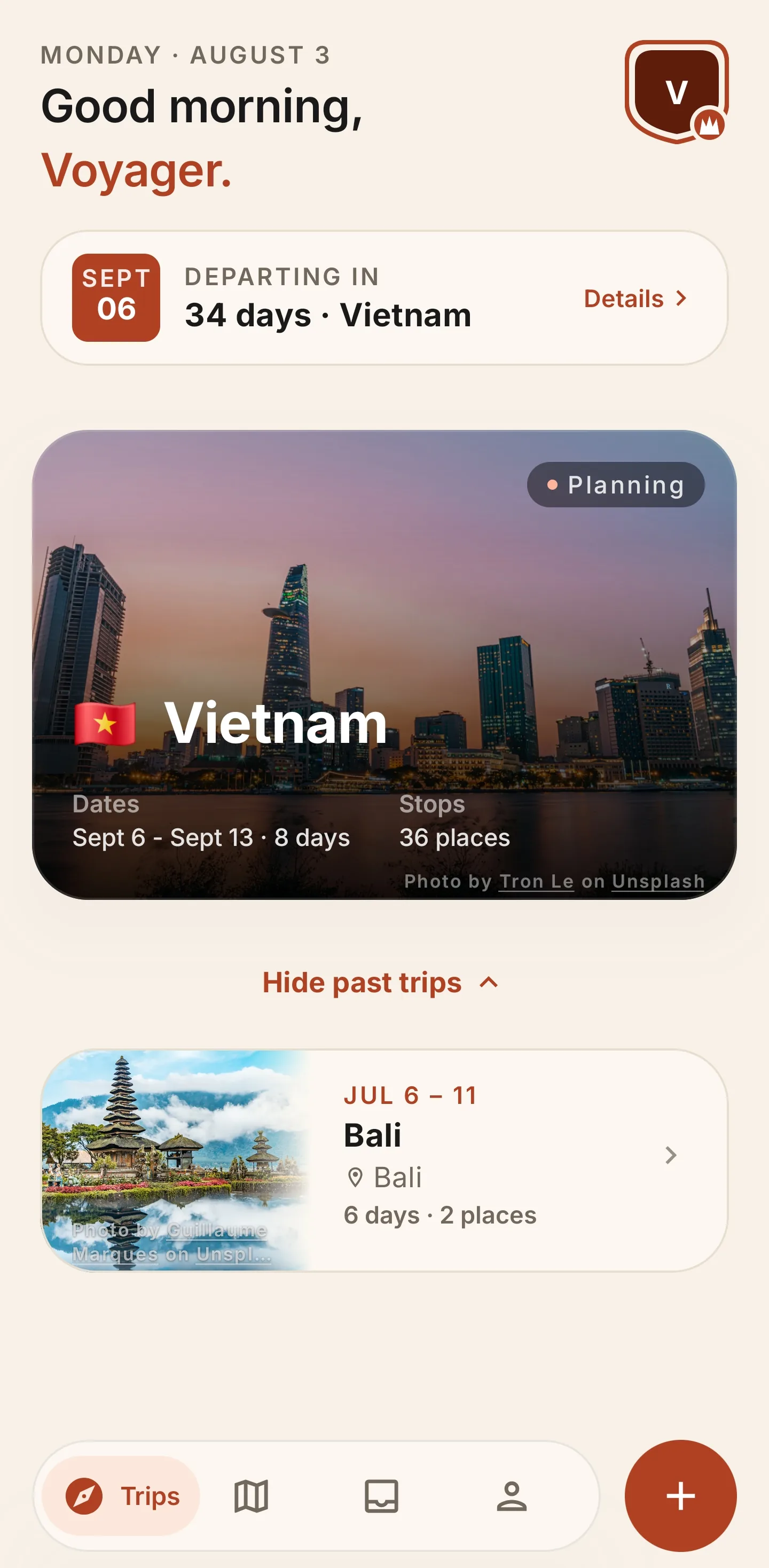
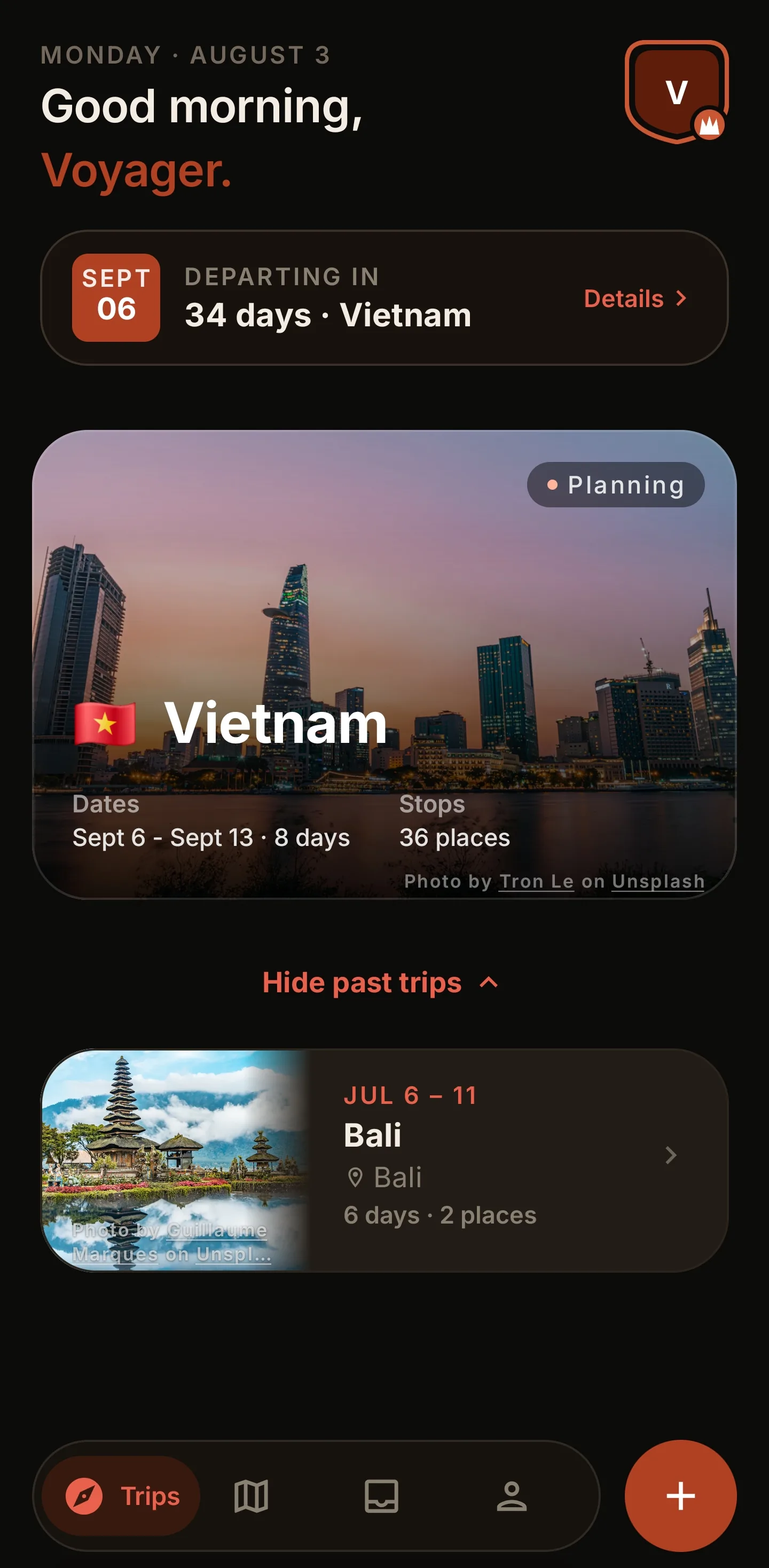
A plan you can read. A route that respects the day. A trip that stays yours.
Voyivo turns the moving parts into one continuous itinerary, so the useful details arrive exactly where you need them.
01 Shape the days
From booking to a day that flows.
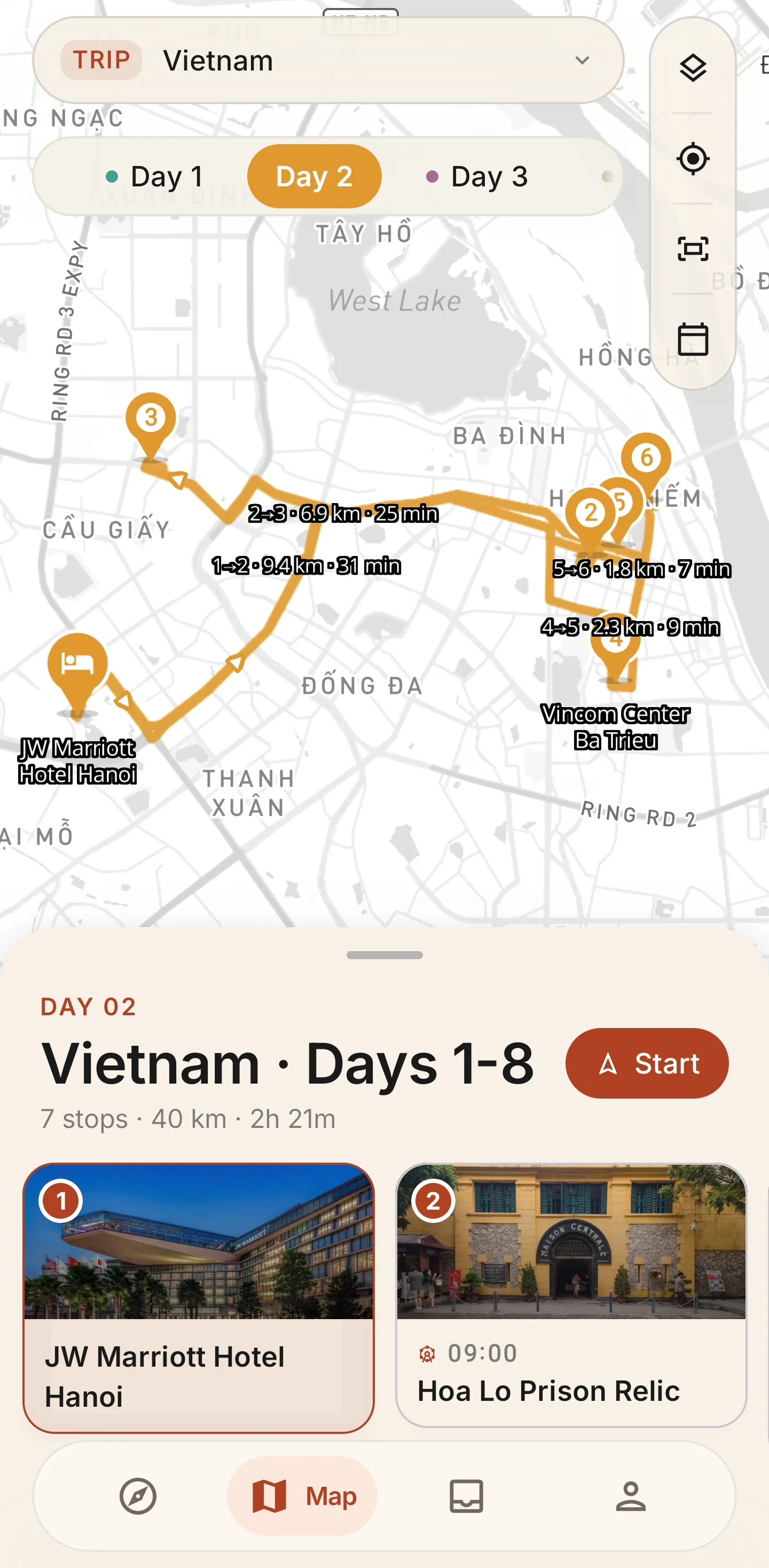
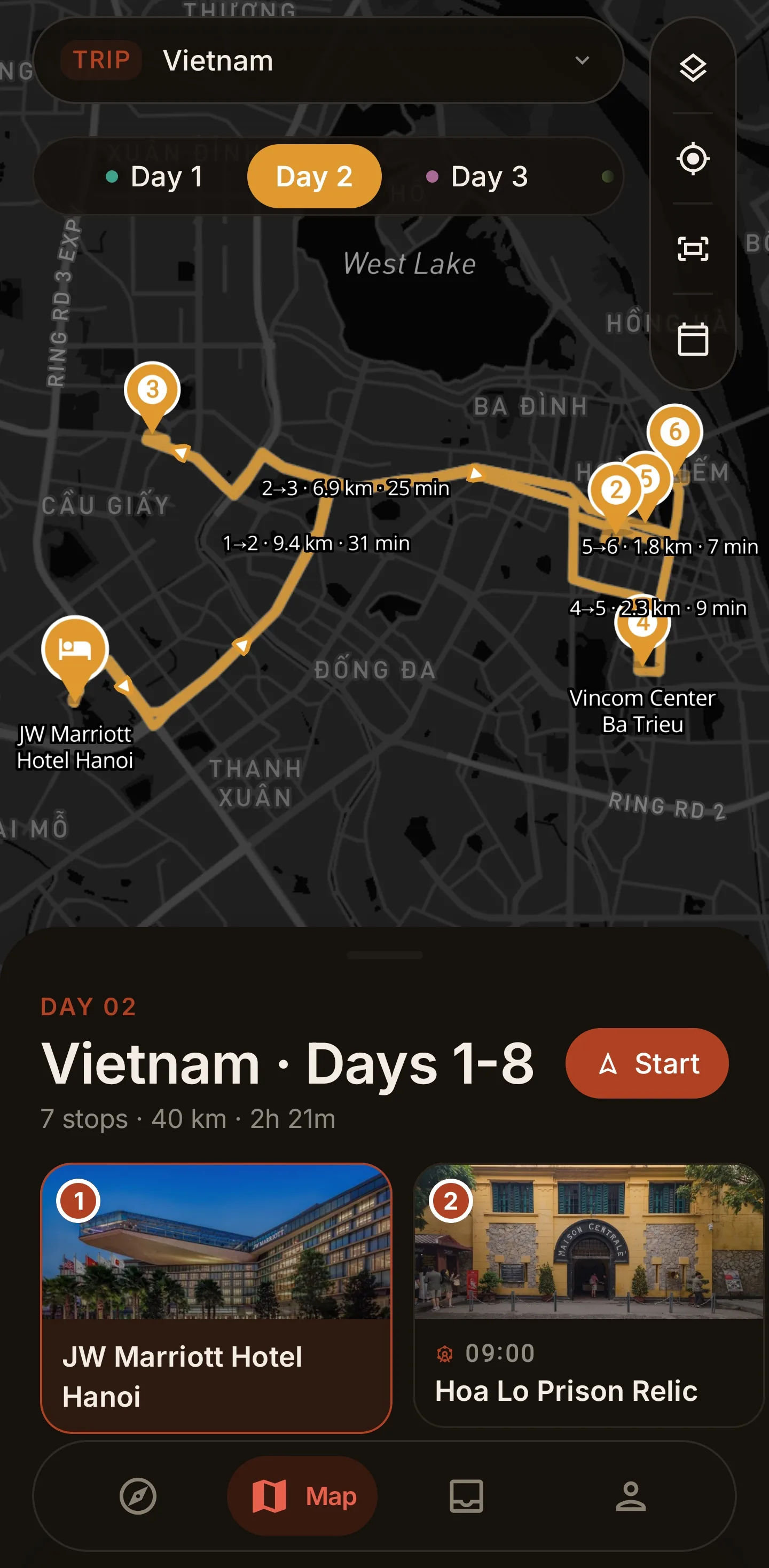
Put stays, stops, notes, and fixed times into one itinerary. Voyivo brings the day onto the map and keeps it clear enough to change without losing the thread.
- Stops
- 7
- Distance
- 40 km
- Drive
- 2h 21m
- Day-by-day plans with weather and timing context
- Driving, walking, and cycling route views
- Route suggestions you can review before anything changes
02 Choose with context
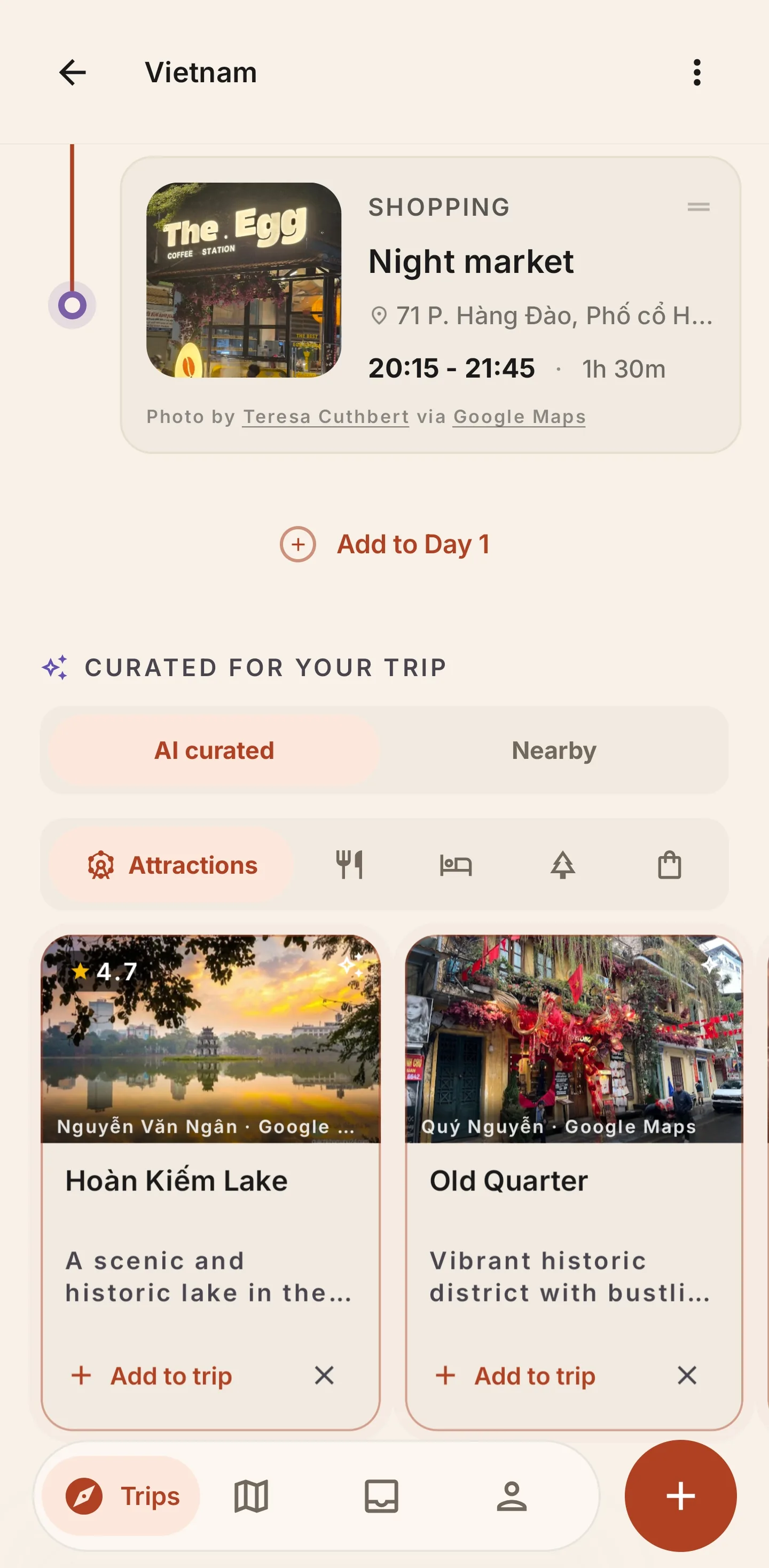
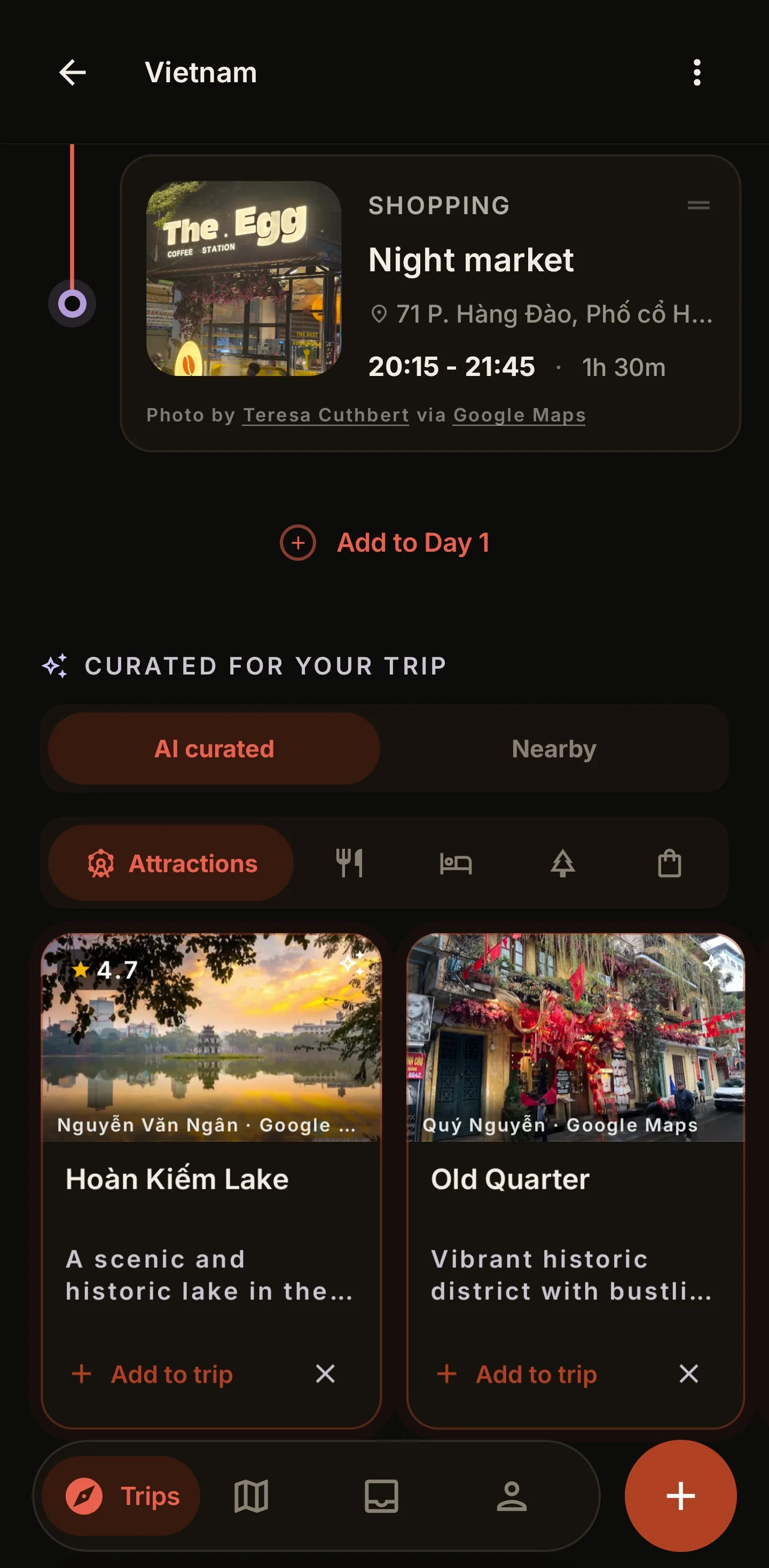
Recommendations with a reason to be there.
Start from the place already in your itinerary. Compare nearby attractions, food, stays, and quiet escapes, then add only what earns a place in the day.
More than a list. Best-time notes and location context help you decide when a place actually fits.

03 Keep the final say
Forward the booking. Review the details. Keep moving.
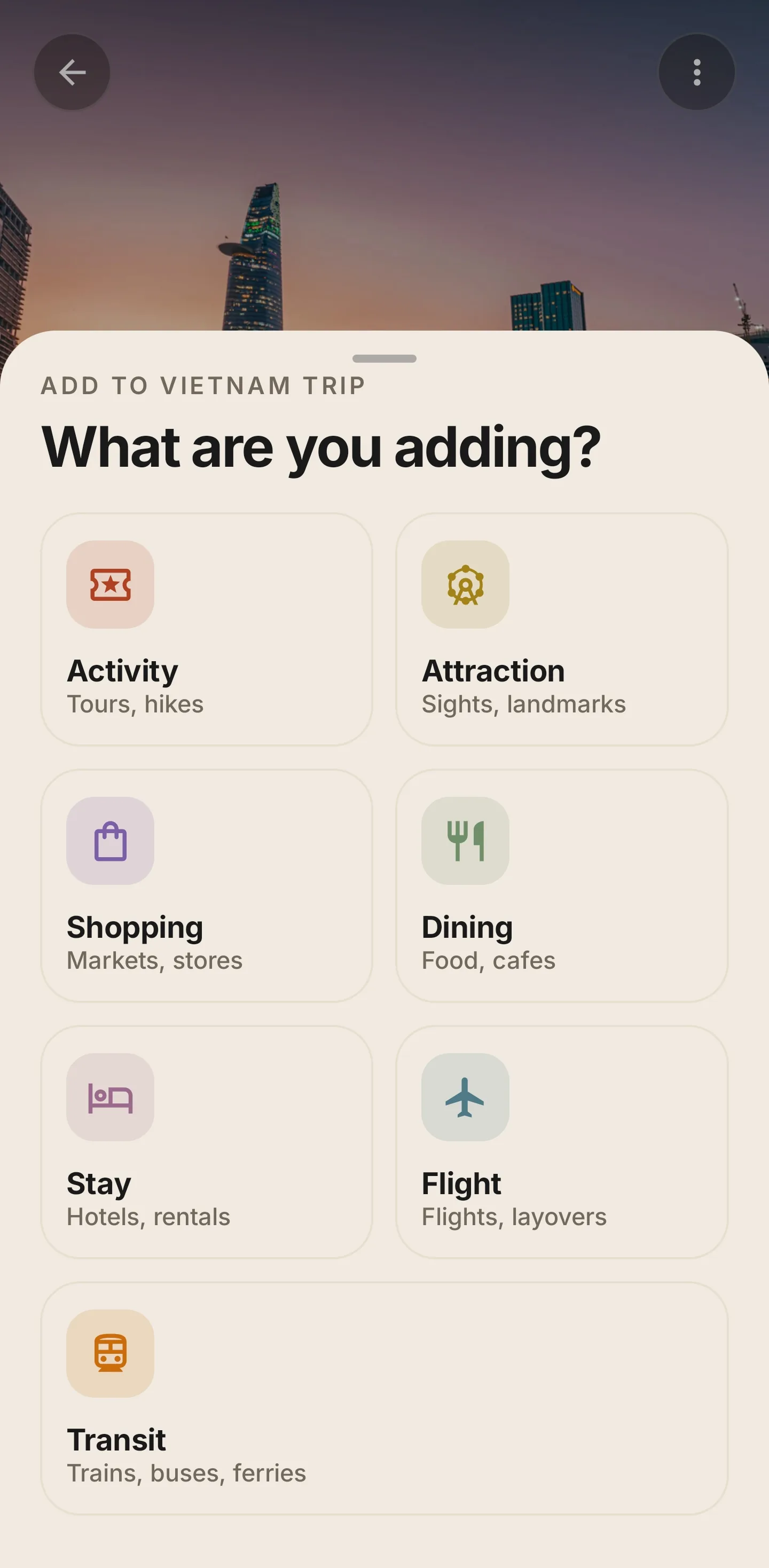
Send a flight or hotel confirmation to your trip's private inbox, or choose a PDF ticket in the app. Voyivo prepares a draft for you to check. Nothing reaches the itinerary until you confirm it.
- 01Forward or select
Use a private trip email or choose a ticket PDF.
- 02Check the draft
Review dates, terminals, check-in times, and the original source.
- 03Add when accurate
You decide what belongs in the itinerary.
04 Collect the proof
A record of where you actually went.
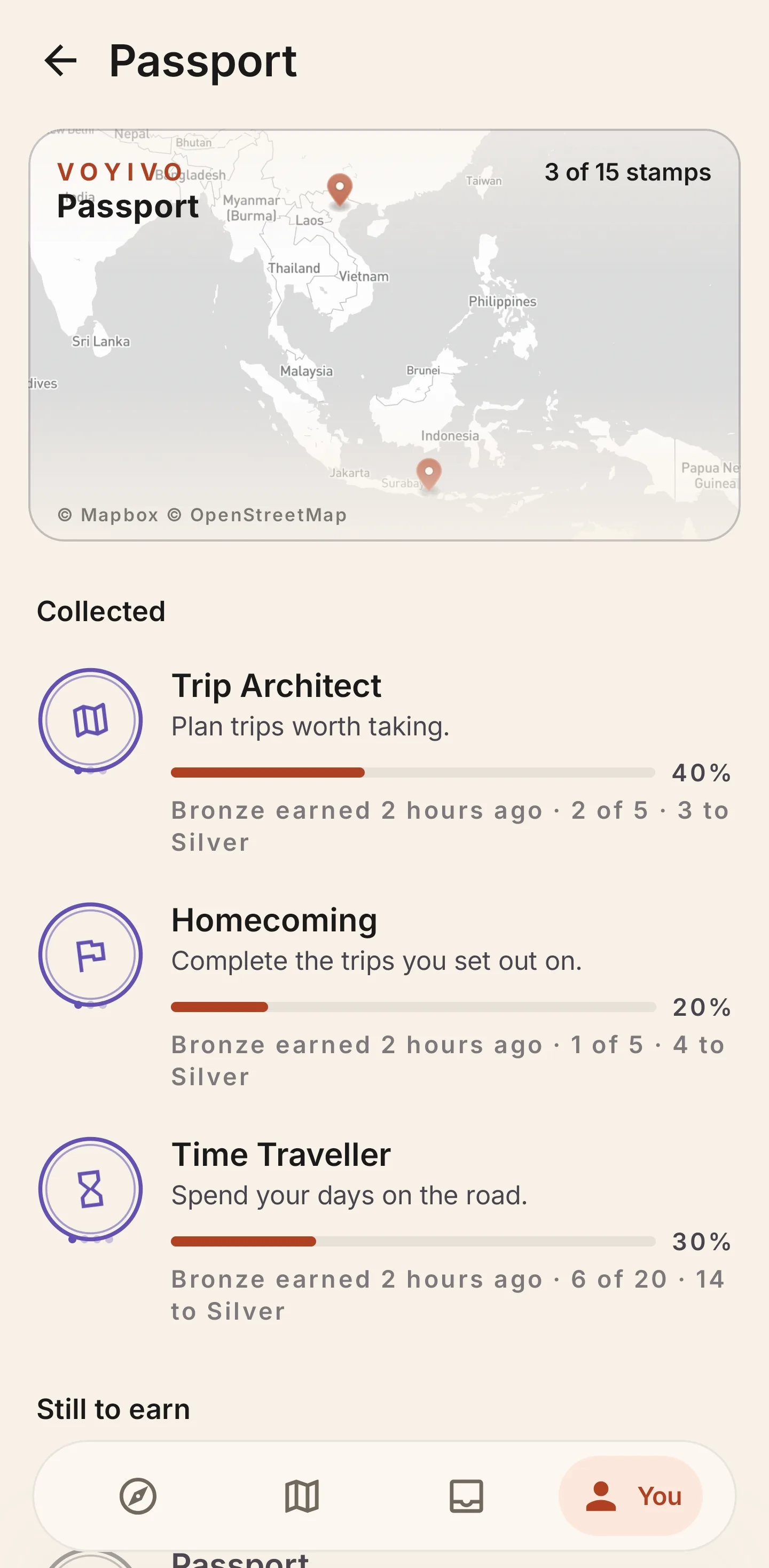
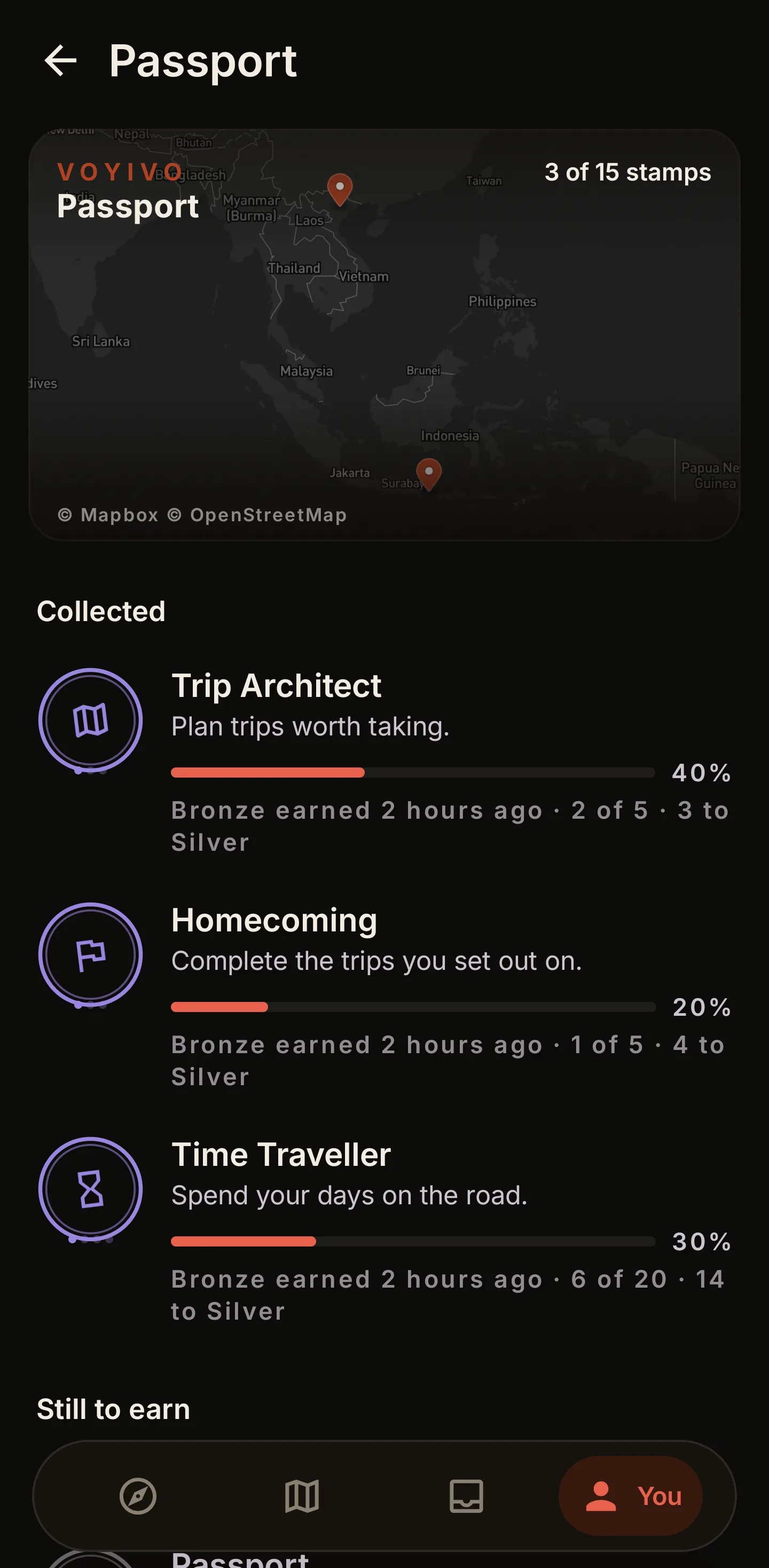
Check in when you arrive somewhere on your itinerary and Voyivo stamps it. Countries, cities, and the kinds of places you gravitate toward build into a passport shaped by the trips you took, not the ones you planned.
Earned at the place. A stamp only lands when your device confirms you are there, so the passport stays honest. Some stamps carry a free month of Voyivo Pro.

Plan together, clearly
Share the trip without giving up control.
Invite the people shaping the itinerary, or send a clean read-only link to anyone who only needs to follow along.
- Editor
- Can add, edit, reorder, and remove itinerary items.
- Viewer
- Can see the itinerary without editor-only controls.
- Share link
- Opens a read-only web itinerary with no app or account required.
Voyivo Pro
The parts you would rather not type twice.
Core planning is free. Pro adds the time-savers for travellers who want bookings, routes, exports, and details handled with less repetition.
You can also earn Pro. Some Passport stamps carry a free month, claimable once.
Monthly and Annual begin with a 7-day free trial. Weekly does not. Cancel any time in Google Play.
Current prices and available offers appear in Google Play before you subscribe.
View Voyivo on Google Play- AI day and trip planning
- A grounded starting plan for one day or the whole trip in a tap, built around your bookings and ready to reshape.
- Booking import
- Draft flights and stays from confirmation email or PDF, including scanned tickets.
- Add a place from the map
- Press and hold anywhere on the map to add that spot to a day, without knowing its name first.
- Smart Optimize
- Reorders a day's flexible stops around the things that cannot move, your stays, flights, and booked times. You see the proposed order and what it saves in travel before anything is applied.
- Curated recommendations
- Places picked for your trip, grounded in real spots, with a reason each one fits.
- Trip PDF export
- Create a compact trip poster or a complete day-by-day itinerary.
- Expenses and extras
- Live currency conversion, expense export to CSV or PDF, walking and cycling routes, and custom trip covers.
A simple beginning
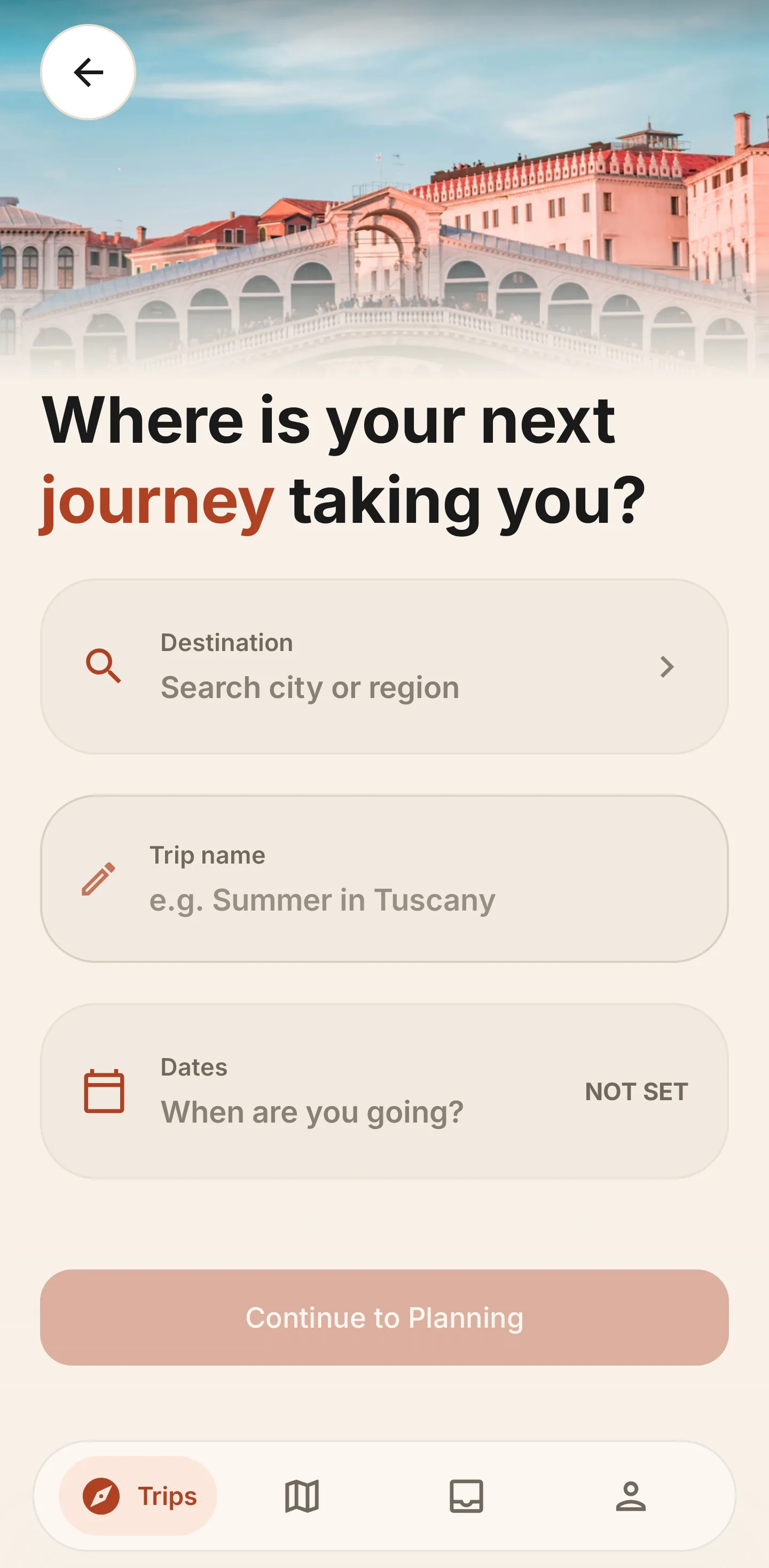
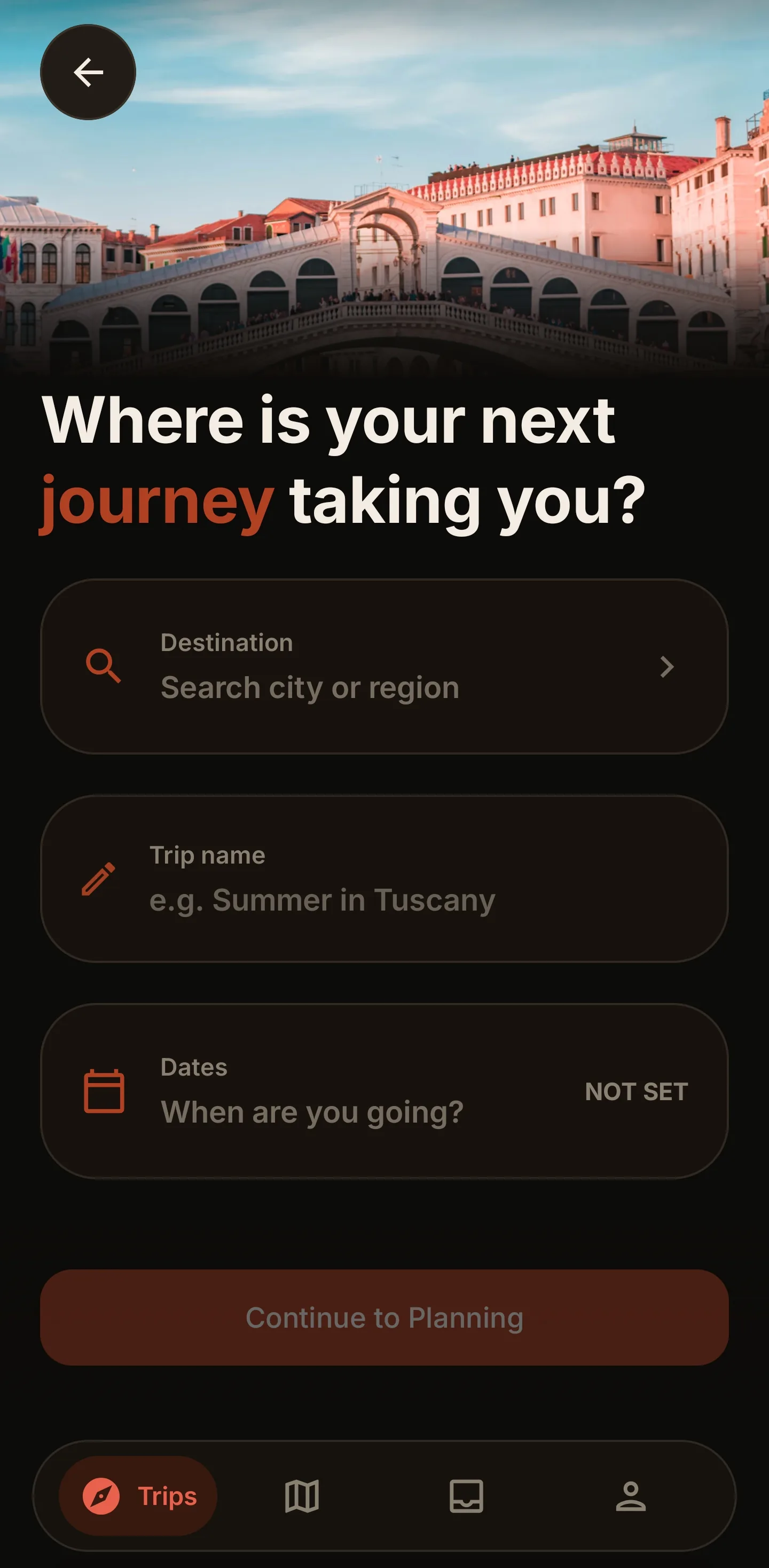
Your next trip, in three considered moves.
- 01
Create the trip
Name it, set the dates, and choose the people planning with you.
- 02
Bring in the details
Add places manually, or let Pro prepare booking drafts from email and PDF.
- 03
Shape the days
Review the route, share the plan, and keep the itinerary close while you travel.
Good to know
The useful answers, before you go.
Need something else? Write to support@getvoyivo.com.
What is included for free?
Core planning includes unlimited trips, day-by-day itineraries, driving routes, weather, feasibility checks, recommendations, expense tracking, manual booking entry, collaboration, and read-only share links.
Is there a free trial?
Yes, on two of the three plans. Monthly and Annual begin with a 7-day free trial; Weekly does not. You can cancel any time in Google Play, and core planning stays free whether you subscribe or not.
Which devices are supported?
Voyivo is available for Android today. You can sign in with email or Google.
How does booking import work?
Each trip gets a private email address. Forward a flight or hotel confirmation, or choose a PDF in the app, then review the draft before adding it.
What is the Passport?
A record of places you have checked in at while travelling. It collects stamps for countries, cities, and the kinds of places you visit, and lives in your profile.
How do I earn a stamp?
Check in from the itinerary when you are at the place. Voyivo confirms your device is actually nearby before the stamp counts, so stamps cannot be collected from home.
Does a stamp really give me Voyivo Pro?
Some do. Those stamps can be redeemed once for a free month of Pro, and it starts as soon as you claim it.
Does Voyivo track my location?
Only when you tap check in. Voyivo takes a single location reading at that moment to confirm you are at the place. There is no background location tracking.
Can other people help plan?
Yes. Invite an existing Voyivo user as an Editor or Viewer. For anyone without an account, send a read-only web link instead.
Will changes work offline?
Edits save on each device and sync automatically when it is online, so everyone does not need to plan at the same time.
What happens to my data?
Your trips are yours. Voyivo does not sell your data. Read the Privacy Policy or request account deletion.

Ready when you are
Give the whole trip one place to live.
Plan on Android, keep every day close, and share the itinerary with the people who matter.

Free to start. No card needed to plan your first trip.